 Loading...
Sprunki Phase 100
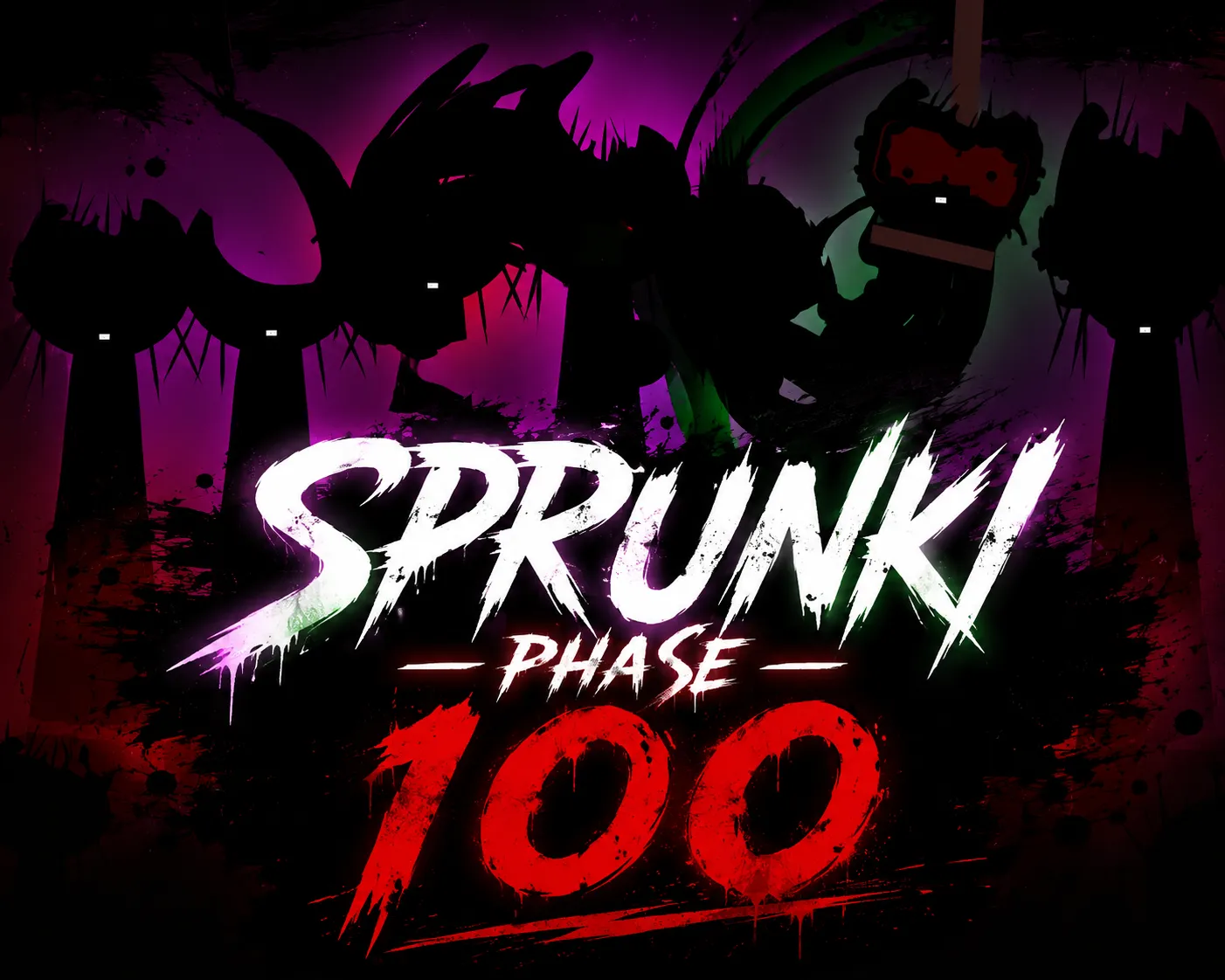
Sprunki Phase 100 is a real playable fan-made Phase mod with a darker cast, layered horror sounds, and the classic Sprunki drag-and-drop mix.
A lot of pages use the name Sprunki Phase 100 as a concept, placeholder, or phase-count collection, but this page focuses on a version you can actually play in the browser. It keeps the familiar Sprunki music-building format: choose character icons, place them on the stage, and combine their loops until the track starts to form.
The mood is closer to the darker side of the Phase series. The cast feels more intense, the sounds are heavier, and the mix has a stronger horror atmosphere than the early playful phases. Instead of treating Phase 100 as just a number, this version works best as an exaggerated “final phase” idea: more dramatic visuals, more pressure in the audio, and a bigger sense of escalation as you add characters.
You can experiment freely with rhythm, melody, effects, and unusual character sounds. Start simple, then add more layers once the beat feels stable. Some combinations sound harsh or chaotic, so it helps to build the track slowly and listen to how each new character changes the mood.
If you have searched for Sprunki Phase 100 before and only found fake or empty versions, this page is meant to give you a direct playable version without extra downloads.
How To Play Sprunki Phase 100
Use your mouse or touchscreen to play Sprunki Phase 100.
Drag a character icon onto the stage to start its sound loop.
Add rhythm characters first so the mix has a steady base.
Place melody, effect, and darker horror-style characters after the beat is stable.
Try different character combinations to create a heavier Phase 100 track.
Click or drag a character off the stage if you want to remove its sound.
Use fullscreen mode if the game area feels too small on your device.
If the audio does not start immediately, click inside the game once and try again. Some browsers block sound until you interact with the page.
Comments
Latest Games
Sprunki Saja Boys Treatment
Sprunke (Sprunki) 18-Shifted Pepper’s Take

Animal Hospital Sprunki
Sprunke (Sprunki) Shifted Pepper’s Take
Sprunke (Sprunki): Hypershifted Phase 2 Official Remaster
Sprunke Crimson Cataclysm Phase 4
Sprunki 12-Shifted Pepper’s Take
Sprunki Symphony of Pride
Sprunke (Sprunki) Anti-Shifted Pepper’s Take
Spunki Phase 2.5 Definitive Edition (ANNIVERSARY EDITION)
Similar Games
Spunki Phase 2.5 Definitive Edition (ANNIVERSARY EDITION)


Sprunke (Sprunki) Bi Shifted Phase 4

Sprunki Phase 12 Remastered (Footlong’s Take)
Sprunke (Sprunki) Betters And Loses Phase 4
Sprunki Phase 5 REMASTERED (Footlong’s Take)
Sprunke (Sprunki) Surviving Trio Phase 3
Sprunki Phase 8: Battered and Bleak
Sprunke (Sprunki) the Definitive Phase 7 (Better Sound but Remix)
Sprunke (Sprunki) Betters And Loses Phase 3
Türk Jevin’s Sprunki Phase 9 REMASTERED (FootlongNachos’s Take)

![Sprunki Pyramixed V0.9 [update] but with My OCS](https://sprunkigame.io/wp-content/uploads/thumbs/custom/S/Sprunki-Pyramixed-V0.9-update-but-with-My-OCS-150x113.png)
![ParaSprunki [UPDATE 15.0 PART 2]](https://sprunkigame.io/wp-content/uploads/thumbs/custom/P/ParaSprunki-UPDATE-15.0-PART-2-150x112.png)